
Confirm aluminum saw blade supply by counting distinct physical blades in the final offer, then identify each blade’s intended role. A standard-blade reference, a selected option and a working-blade allocation can describe the same item. Ask whether an option replaces that item or adds another before recording a spare.
The useful result is a first-delivery register showing the working allocation, extra loose blades and total quantity. It resolves what is being supplied, not which blade technology is best or how many spares your production schedule needs.
Aluminum saw blade supply: catalogue versus delivered quantity
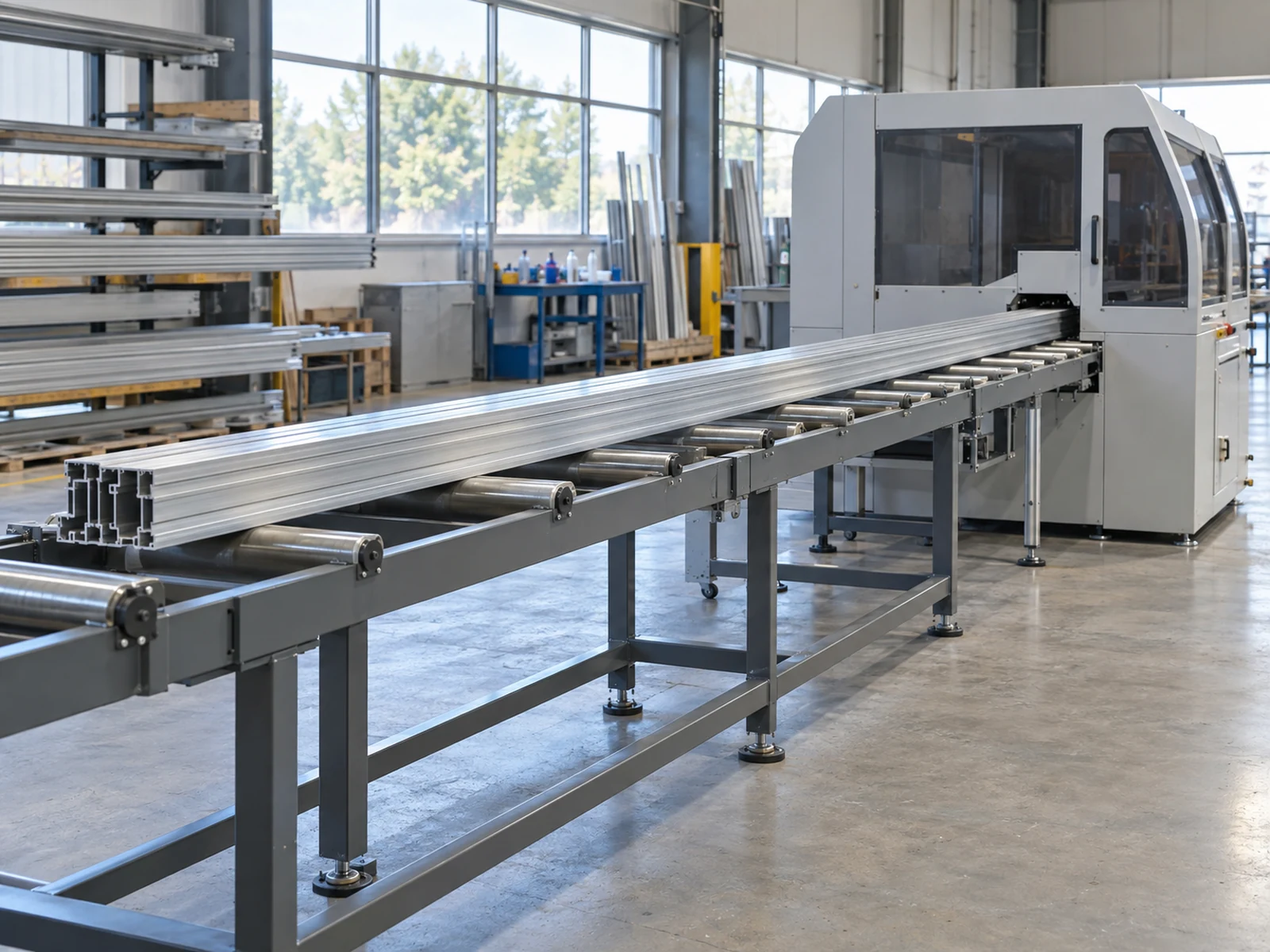
The elumatec SA 73/36 page states that a saw blade is standard equipment and separately includes saw blades in its options list. Those two catalogue contexts do not identify the quantity or substitution relationship in a particular selected offer.
The YILMAZ DC 550 PB page lists two saw blades among that model’s standard accessories, with a spare blade separately listed as optional. The quantity belongs to that named model; it is not a universal blade-per-head rule, and an unselected optional spare is not an ordered item.
Use these examples to ask for your own order’s answer. Neither manufacturer’s accessory list establishes what a JiurunCut quotation includes. Do not count every catalogue mention as a separate piece or treat a specification page as a purchase line.
Separate supply status from the blade’s role
Supply status answers whether an item is included in the final offer, selected separately, excluded or superseded. A catalogue’s standard listing still needs to be reconciled with the actual configuration and selected options.
Delivery role answers what the supplied blade is intended for: a declared working position, an alternate job or a loose spare. A different tool selected for another material or task should not be labeled an interchangeable spare without supplier confirmation.
Addition or substitution answers whether the choice increases the physical quantity. If the option replaces the standard item, ask whether the original item remains in the shipment. If it is additional, have the supplier state the additional quantity and its role.
Keep the working allocation separate from the transport arrangement. A blade designated for a working position is not, by that description alone, confirmed as physically fitted for shipment. Ask for the supplied condition and packing reference without inferring them from a machine photograph.
Use a first-delivery blade register
Attach this register to the current equipment quotation. Its cells are prompts for the supplier’s actual answers, not a JiurunCut package or a manufacturer standard. Enter the full tool identifier and relevant specification reference; where a quantity is unanswered, write “pending,” not zero.
| Quote line / tool ID | Supply status | Intended role at delivery | Additional or replacement? | Distinct pieces delivered | Evidence to link |
|---|---|---|---|---|---|
| Standard blade line — provider to identify | Confirm included, excluded or superseded. | State the working-position allocation or other declared role. | Confirm whether this item remains when an option is selected. | Provider to state; unresolved quantity stays pending. | Final quotation line and tool specification reference. |
| Option line — provider to identify | Confirm whether selected for this order. | Identify a working blade, alternate tool or additional spare. | Name the item replaced, or expressly identify an addition. | Provider to state for the selected item; do not count an unselected option. | Selected option reference and revised quotation line. |
| Extra spare line — provider to identify | Confirm ordered or not ordered. | Identify the separately supplied spare and its intended application. | Confirm that it is additional to the working supply already recorded. | Provider to state as extra pieces, without recounting the working allocation. | Order and packing-list references linked to the tool identity. |
Before adding the quantities, ask whether any two entries describe the same delivered piece. Cross-reference those entries instead of counting them twice. Conversely, two confirmed pieces can share the same product code; matching codes do not mean there is only one physical blade.
Total distinct delivered blades = the sum of confirmed, non-overlapping physical quantities after additions and substitutions are resolved. Keep the extra-spare subtotal visible beside that total. Neither subtotal answers the separate compatibility question.
Reconcile a replacement option and an extra spare
The following proposals and supplier clarifications are entirely fictional. Each example requires one working blade. T1 and T2 are arbitrary identifiers with no stated dimensions, cutting properties or proven compatibility.
In Proposal A, the selected T2 replaces the standard T1, which is not delivered. In Proposal B, the standard T1 is the working item and another T1 is expressly ordered as an additional loose spare. The table shows the result of those invented quantity clarifications, not assumptions to apply to an unanswered offer.
| Role or total after fictional clarification | Proposal A | Proposal B |
|---|---|---|
| Working supply | T2: 1 piece, selected instead of standard T1. | T1: 1 piece. |
| Standard blade retained as an extra | T1: 0 pieces; superseded and not delivered. | 0 extra pieces from the standard line; its T1 is the working item above. |
| Additional loose spare | None ordered: 0 pieces. | T1: 1 additional piece. |
| Total distinct delivered blades | 1 piece. | 2 pieces. |
| Extra spare count | 0 pieces. | 1 piece. |
A’s alternate working blade is not an extra spare. B has an extra piece because the fictional order explicitly adds it—not because T1 appears in both a standard-equipment description and a working-allocation note.
The first three rows give A a total of 1 + 0 + 0 = 1 and B a total of 1 + 0 + 1 = 2. The total and spare-count rows summarize those quantities; they are not additional lines to add again. These counts establish neither better cutting performance nor an optimum spare pool.
Match the final count to the order and packing list
Request a reply against the final quotation revision, including the selected options. A concise purchasing message could read:
Please identify the tool and quantity allocated to each declared working position. Show which standard item, if any, is replaced by a selected option and whether that original item is still delivered. List extra loose blades separately and reconcile the total physical quantity with the final packing list. Keep unresolved tool identity or application questions explicit.
If the packing list records tooling within a machine-package line, ask where the confirmed blade quantity and identity are itemized or cross-referenced. Do not assume that an extra specification attachment represents an extra blade. Resolve a difference between documents rather than choosing whichever total is larger.
Ask the responsible suppliers to link the actual tool specification to the machine and intended job. A quantity reconciliation is not tool-selection approval, and an extra piece is not a promise that production will avoid downtime.
Send the blade supply lines with your saw inquiry
Share the proposed machine, cutting application, standard-equipment wording and selected blade options. State whether you are requesting working supply, additional loose spares or both. Missing identities and quantities can remain marked for clarification.
Clarify My Working and Spare Blade Supply
Ask what the specific offer includes. This article does not establish JiurunCut’s blade supplier, quantity, compatibility, spare allowance or fitted shipping condition.