
Ask what the quoted aluminum saw laser indicator represents on your actual section, not just whether it is included. Request a supplier-confirmed view connecting the visible indication, intended cut and finished side or end you want to keep. That explanation should belong to the configuration being offered.
Hypothetical starting point: an equipment quote lists “laser indicator.” The buyer expects a visible reference for the required end cut, but the quotation supplies no legend. This invented situation leaves the purchasing purpose unanswered even if the option’s inclusion is clear.
Table of Contents
What the aluminum saw laser indicator name leaves open
elumatec’s AKS 134 notching-saw page lists a laser indicator for the cutting line among its options. That establishes a named manufacturer’s option example; the listing does not define the projected line as a particular blade edge or centre.
LAP describes projected lines for positioning work before cutting, including applications at saws and shears. The subject here is that reference-display purpose, not cutting or permanently marking the material with a laser. LAP’s description does not identify the reference supplied by your proposed saw.
Ask the actual supplier what its indication represents: a cut boundary, a blade-related reference or another defined guide. These are possible clarification questions, not verified categories of either cited product. Retain the manufacturer’s explanation instead of assigning a meaning from the option name.
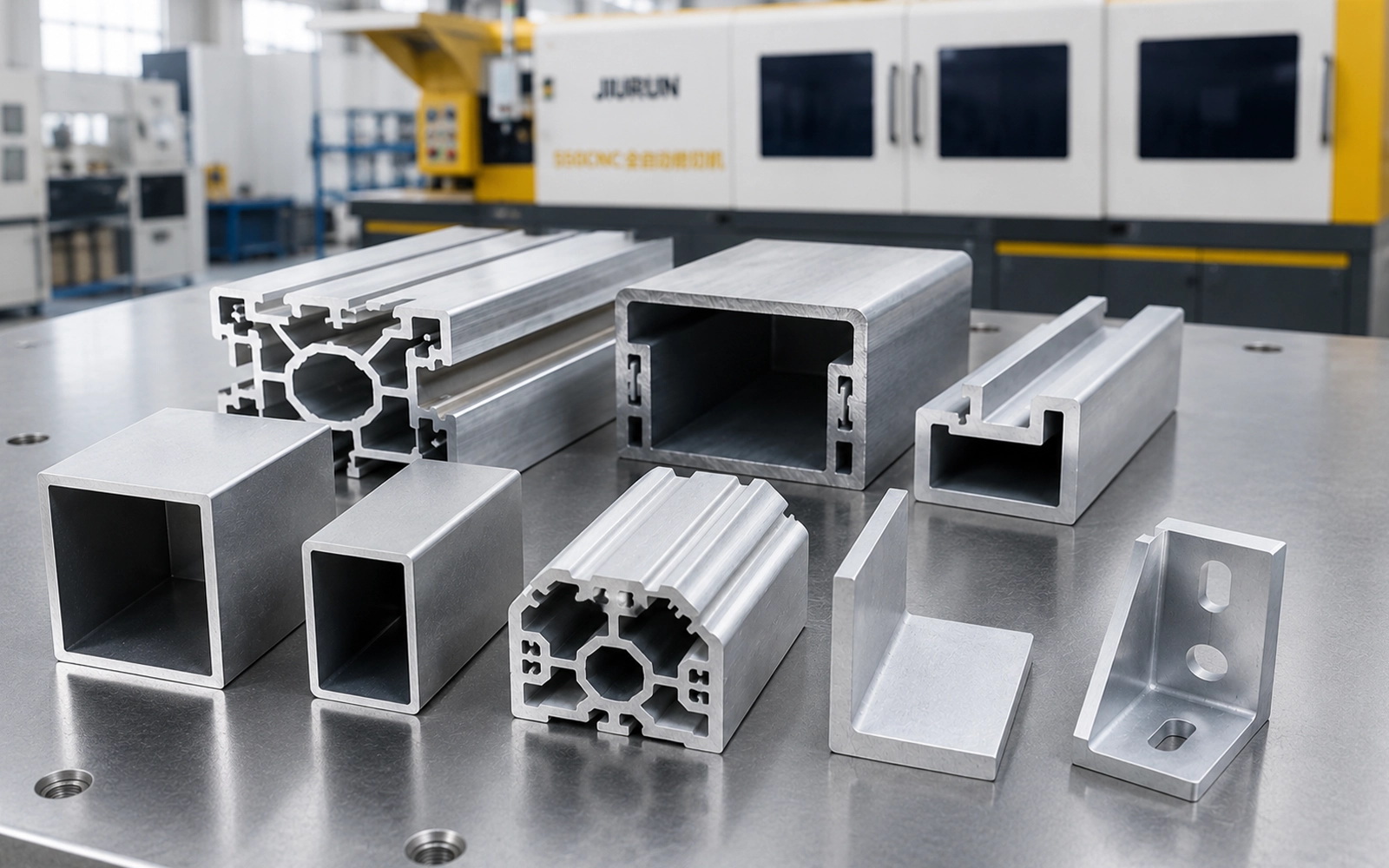
Start with the part you intend to retain
Provide the actual section drawing and relevant part view, with their identifiers and revisions. Show the orientation used for the inquiry and mark the intended cut. Identify the side to retain and the finished end or face concerned, using the names already on the drawing.
Ask the supplier to use that information in a view of the proposed arrangement. Keep the buyer’s intended-cut annotation separate from the supplier’s identification of the projected reference. Drawing both on top of each other without explaining their relationship does not answer the question.
If the section orientation is still undecided, label it as such. A supplier-proposed alternative should be shown explicitly and related back to the same desired part. The drawing communicates the requirement; it is not an instruction to position or adjust material on a machine.

Attach an A–F legend to the supplier’s view
Use the following labels on an identified drawing or existing picture of the proposed arrangement. The entries are prompts for the supplier’s reply, not prefilled confirmations. An illustrative view must be labeled illustrative, with the unconfirmed relationships left visible.
| Label on the view | Confirmation to attach |
|---|---|
| A — Proposal | Quotation reference, model/configuration and the named indicator item. State whether it is included or still being proposed. |
| B — Workpiece view | Actual section and drawing reference, viewing direction and displayed orientation. Identify any orientation still awaiting confirmation. |
| C — Desired part | The intended cut, retained side and relevant finished end or face, linked to the part drawing. |
| D — Visible indication | Identify the projected line being discussed and state its manufacturer-defined meaning. Distinguish a visible indication from a line added only as an annotation. |
| E — Scope | The cuts, configuration and conditions covered by the explanation. Name any relationship or additional cut not yet addressed. |
| F — Provenance | Whether the view is actual or illustrative, the arrangement it represents, the supplier reply date and the responsible contact. |
The legend records an explanation. It is not a setup instruction, measurement standard or finished-part acceptance record. Do not estimate an offset from the picture or turn a drawn line into an unsupported dimensional claim.
If the supplier uses a catalog image, ask which details apply to the quoted arrangement and which are merely background. A generic picture may help explain the idea while the relationship to your section remains pending.
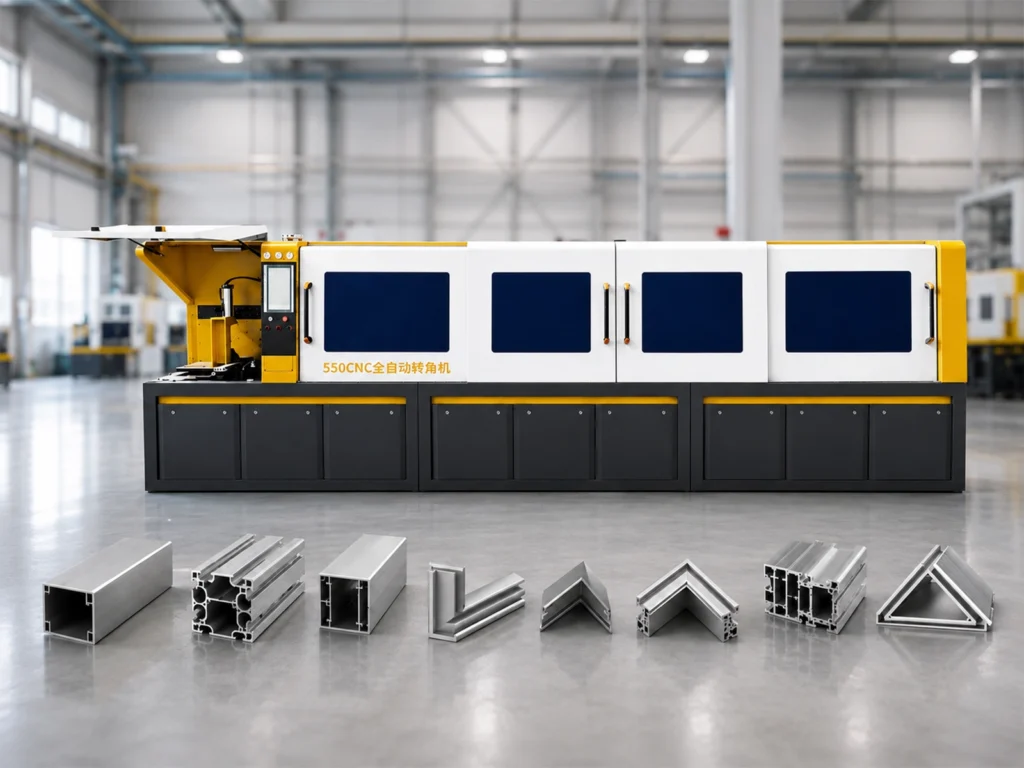
Compare the meaning supplied, not just the option status
The following replies are fictional and continue the opening example. They are not customer correspondence, engineering approvals or trial results.
Reply A: “Laser included.” This states inclusion but does not identify the reference on the buyer’s part. The next request is for the marked view and its explanation, not another repetition that the option is available.
Reply B: the supplier returns a view linked to the quotation, explains the projected reference for the illustrated cut and identifies the retained end. It expressly leaves an additional requested cut unconfirmed. The buyer now has a defined scope to review, but should not extend that explanation to the unanswered cut.
Reply B answers more of the reference question; it does not establish accuracy, capacity or finish. Review whether its stated meaning serves the reason you wanted the option. If it does not, explain that gap to the supplier rather than interpreting the line differently yourself.
If the feature is unavailable, record that and ask what documented reference the supplier proposes instead. Do not assume an indicator can be added or that a retrofit is included.
Request the missing relationship in writing
A buyer can return this wording with the part views:
Please return a marked reference view for the indicator in the quoted configuration. Show our section and intended cut, identify the side and finished end we intend to retain, and explain what the projected indication represents in relation to them. Separate the indication from drawing annotations. State which cuts the explanation covers and mark any illustration or unconfirmed relationship clearly.
Keep the returned view and explanation with the proposal. If the answer covers only the illustrated case, retain the other requirements as open questions with a named responder. Do not erase those limits when summarizing the option in the purchase comparison.
Finished-part dimensions and tolerances still need their own agreed evidence. Do not infer sensing, measurement or automatic positioning from a visible guide, or treat the reference explanation as verification of the finished result.
Send the section and indicator question with your inquiry
Share the part reference, section view, intended cut and retained end with JiurunCut, together with the indicator wording you need clarified. Identify any missing view, undecided orientation or planned change. Incomplete information can start the discussion.
Clarify My Quoted Cut Reference
Ask what reference is available for the specific proposal. This article does not establish that a JiurunCut model includes a laser option; the requested attachment clarifies purchasing scope, not machine alignment or operating instructions.