
For aluminum channel cutting, show the open side as well as the outside width and height. A channel section tells the supplier where the base, side walls and opening are. Add the required finished ends so the saw discussion connects the profile’s shape with the parts you need.
What an open channel section tells you
A simple U-shaped channel has a base joining two side walls, with an opening between them. The Hydro U-channel description identifies two equal-sized sides connected by the bottom. Your own section drawing should show any unequal walls, lips or extra features on the actual profile.
The outside outline gives the overall size. The section shows where metal is present and where the opening is. A width-and-height note alone leaves out that inner shape.
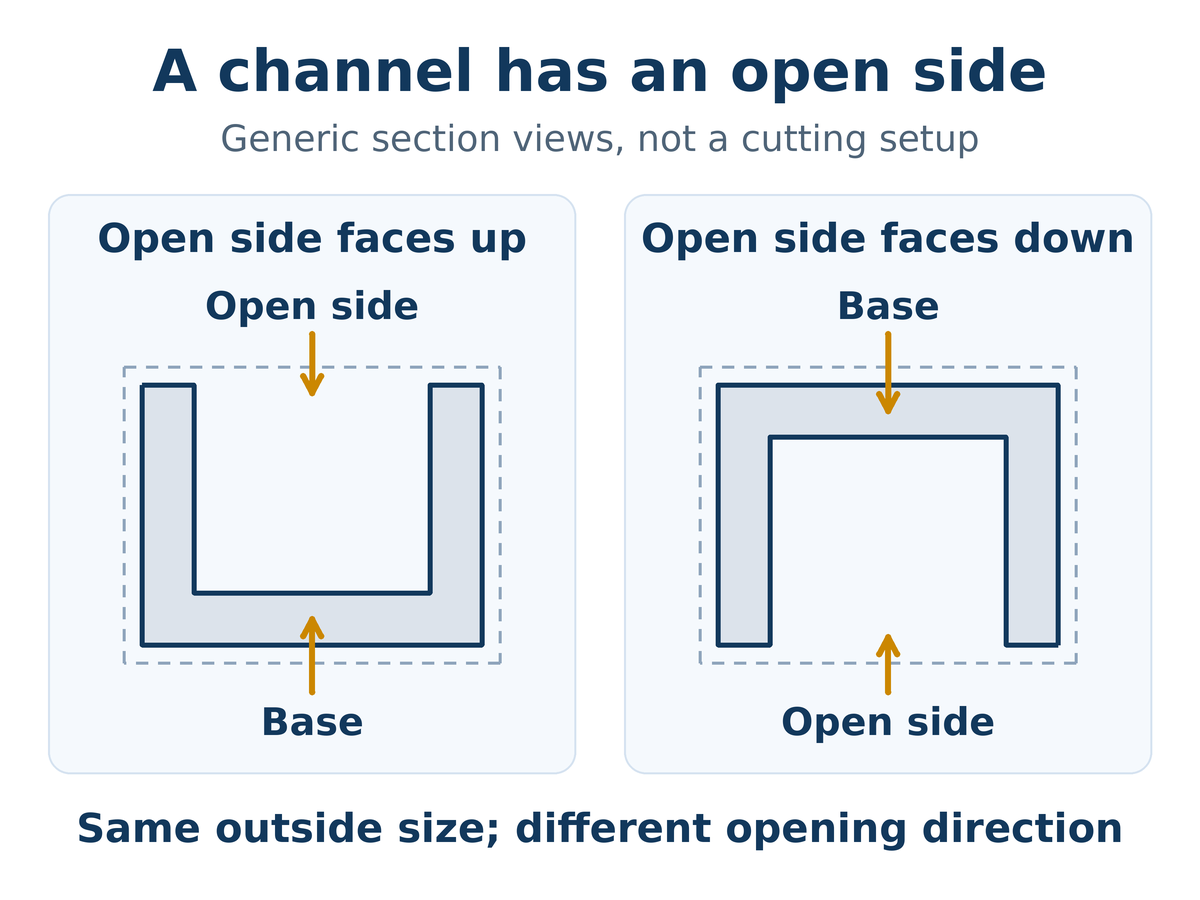
In this example, flipping the channel changes which way the opening faces while its outside width and height stay the same. Keep a recognizable face or opening marked on the drawing so everyone can follow the part’s orientation.
Show us the channel you actually use
Send a section drawing or a clear end-on photo, together with the outside size and the required finished parts.
Three details for aluminum channel cutting
Outside size: show the complete outer width and height. If the channel includes a projecting lip, include it in the view instead of describing only the main body.
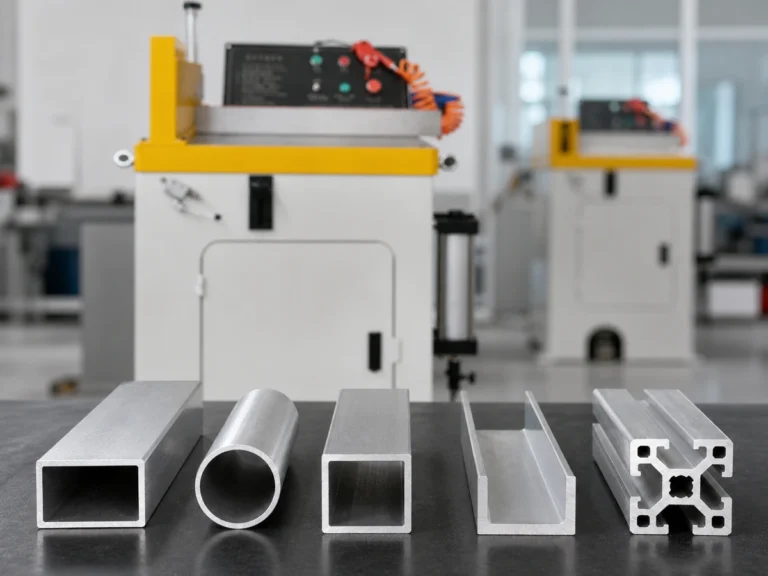
Open section: show the base, both side walls and any lips or returns. Include the wall dimensions from the part drawing where available. An end-on photograph can make the opening easier to recognize, while the drawing carries the specified dimensions.
Finished ends: show the required cut shapes and length reference. The U shape describes the profile section; it does not tell the supplier whether your order needs square ends, angled ends or different ends on one member.
A simple order example
Suppose your workshop uses one channel profile for two orders. One order needs square-ended members. The other needs angled ends, with the open side facing a particular way in the assembly. The stock profile is shared, but the finished-part requirements differ.
Send one common section view and separate finished-part views for those orders. Mark the open side consistently in both. That makes the difference easy to understand without treating a section photograph as a finished-part drawing.
Keep the section and finished ends together
Include the required lengths, end shapes and normal order mix so the proposed saw can be discussed against the whole job.
Connect the channel details to the proposed saw
Jiurun’s brochure identifies the JR-550CNC-CORNER as a fully automatic multi-angle aluminum cutting machine. Use that machine reference to discuss angled-part work, together with your complete channel drawings and normal orders.
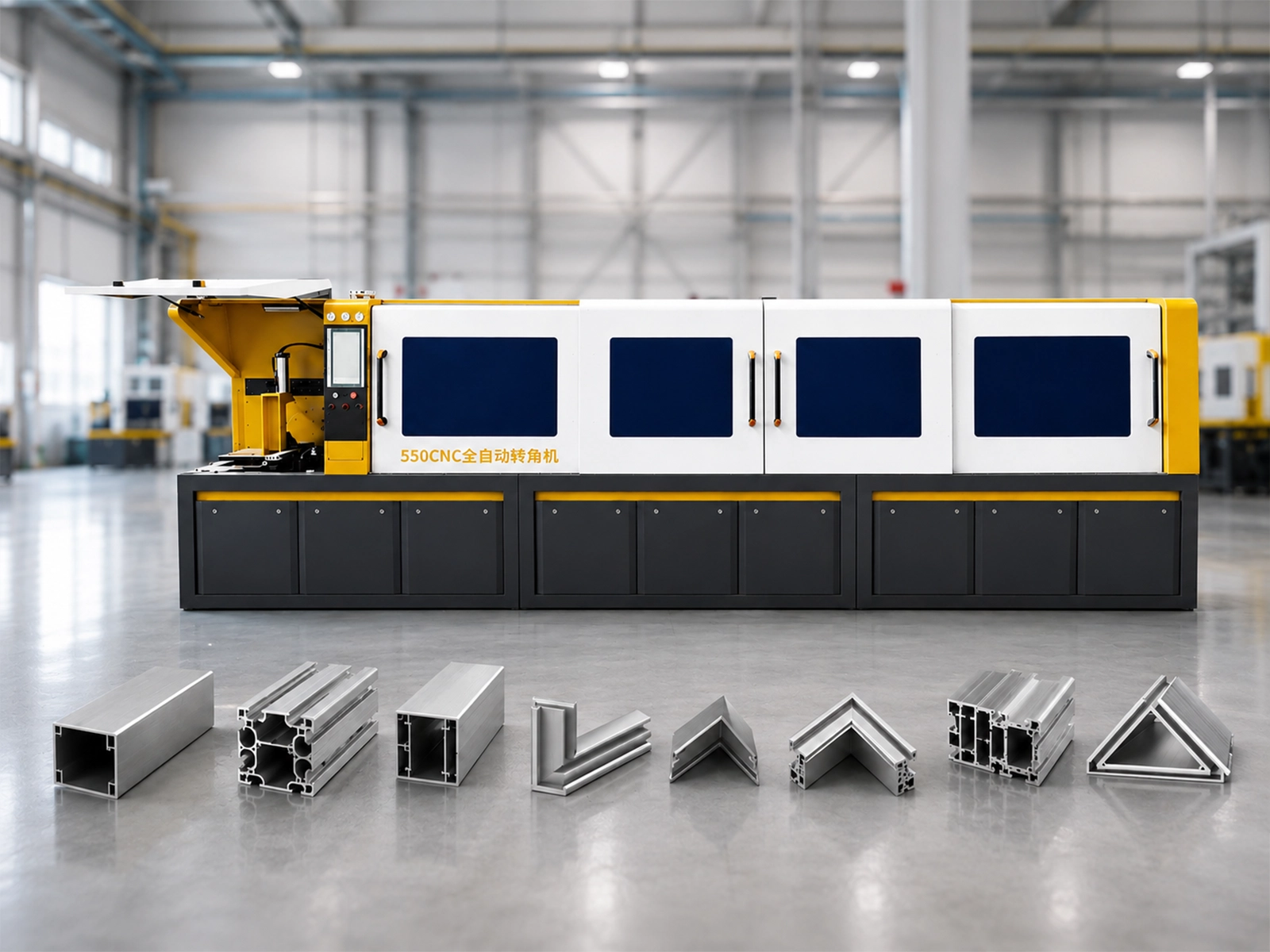
The section-view examples above do not choose a clamping position or establish that a particular channel fits a machine. Have Jiurun confirm the material support, holding arrangement and cutting configuration for your actual parts before ordering.
Watch: Jiurun multi-angle machine reference
Use this machine reference when discussing your proposed cutting pattern.
Let us see the complete channel cutting job
Share the channel section, required ends, material and normal orders. Jiurun can discuss the proposed machine and included equipment with you.
Machine reference: Jiurun brochure, physical PDF page 13, through Catalog & Downloads.