
Aluminum saw blade dimensions describe four distinct features: outer diameter, centre bore, plate thickness and kerf. Keep each source’s original label, value and unit beside the term it represents. Clarify an undefined “blade thickness” before comparing values.
Table of Contents
Aluminum saw blade dimensions: four distinct features
The definitions follow the terminology section on physical PDF page 62 of Great Lakes Custom Tool’s product catalogue. They do not specify the sizes required by your machine.
| Term | Meaning |
|---|---|
| Outer diameter (OD) | The blade’s overall cutting diameter, referenced to opposing tooth tips. |
| Centre bore | The diameter of the blade’s central opening. |
| Plate thickness | The thickness of the circular blade body, rather than the cut width. |
| Kerf | The width of the saw cut, distinct from the blade body’s thickness. |
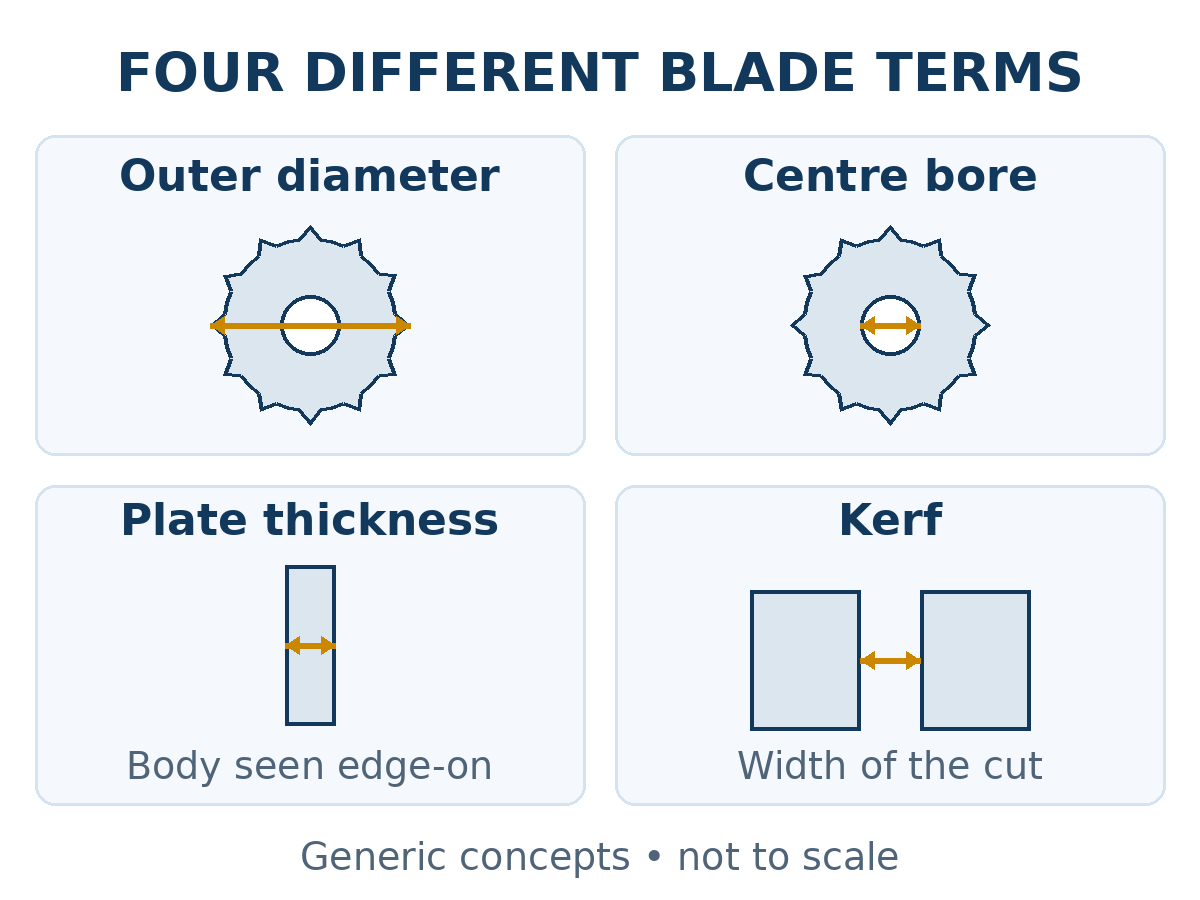
OD and bore are both diameters; plate thickness and kerf describe different widths. Even when all four use millimetres, compare named fields. For cutting-width records, see the blade kerf guide.
Match aluminum saw blade dimensions to their sources
Ask the machine supplier for the applicable manual or approved tooling document and revision for the actual model and serial, or the quoted configuration of a new machine. Mark an unassigned serial as unavailable. Identify the proposed blade separately by manufacturer or supplier, complete item code and exact product row or drawing.
For a documentation example, CMT’s 297–296 product page places individual item-code rows beneath multiple specification headings. Keep the selected row with its headings and legend. This example recommends no listed blade for JiurunCut equipment.
The tool supplier should clarify product identity and field meanings; the machine supplier should confirm the applicable requirement. Record the project’s approval owner for any difference. Neither source automatically overrides the other, and a product value cannot fill a missing machine requirement.
Record the source labels for each blade dimension
Repeat the record for OD, centre bore, plate thickness and kerf. Retain the original label beside the mapped term. Request a legend or supplier explanation for an undefined symbol.
| Record field | What to retain |
|---|---|
| Context | Machine/configuration reference, quotation revision and line, and proposed blade item code. Identify included and spare blades separately. |
| Requirement source | Machine document, page and revision; original label, value, unit and qualifications. Mark a missing requirement unresolved. |
| Product source | Exact blade row or drawing and date/revision; original label, value, unit, stated basis and qualifications. Retain the source document. |
| Term correspondence | Which of the four terms the label represents, with the supporting legend or supplier reply. |
| Discrepancy status | Confirmed same field; field meaning pending; missing field; same-field conflict; or changed product code. Confirm the comparison basis and name the unanswered question. |
| Next reply and closure | Source owner, requested clarification, returned document reference, remaining questions and approval responsibility. |
These are suggested purchasing labels. “Confirmed same field” establishes the feature’s meaning, not value agreement or blade approval.
Resolve unclear or conflicting blade dimension entries
These document-review examples are fictional. They contain no actual blade dimensions, customer records, compatibility findings or cutting results.
DEMO-T: “thickness” is undefined
A quotation labels DEMO-T’s value “thickness,” while its datasheet separates “cutting width” and “body thickness.” Mark field meaning pending: a dimensional mismatch has not been demonstrated. Ask the quotation owner to identify the intended field and return a labeled quote line. Preserve the original wording, then compare the corresponding values; clarifying the label does not resolve a value difference.
DEMO-C: the same field has conflicting values
Two documents identify the same DEMO-C item code but give different nominal plate-thickness values with the same unit and stated basis. Once the feature and comparison basis are confirmed, mark a same-field conflict. Retain both versions and ask the source owner which applies and why; do not choose the newer, larger or smaller value yourself.
Request a clarified specification and matching quotation reference. If the item code changes, record changed product code and repeat the four-field correspondence for that proposal.
Quotation record: aluminum saw blade dimensions
Keep the supplier’s dated reply and author’s name with the product, machine/configuration, disputed field and corrected meaning or entry. Keep unanswered items with named owners. A revised sheet’s receipt alone does not close them.
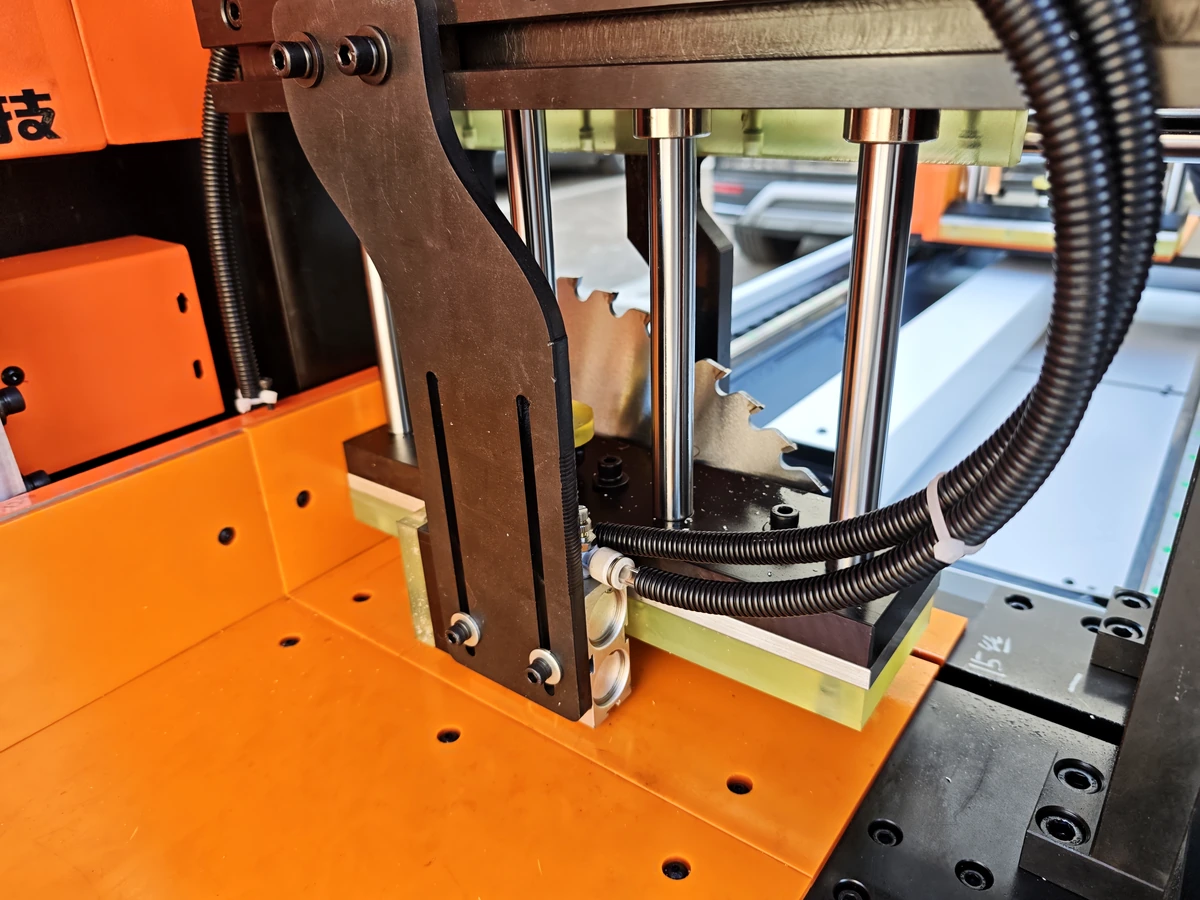
Confirm included and spare blade scope in the actual quotation; a machine image cannot identify package contents. For the wider compatibility review, use the aluminum saw blade size checklist.
If the quotation lists an included blade and a spare under different item codes, keep a separate product record for each code. A reply addressing only one code leaves the other code’s unanswered fields open.
Use existing documents or a marking photo already obtained through an authorised procedure. Unreadable characters remain unknown; request the missing product row. This inquiry requires no dismantling, blade handling or measurements.
Please clarify the marked blade-dimension field using the original source label and identified product row. Link the reply to the machine/configuration, list unresolved items, and return the corrected quotation or specification with its revision. Identify any proposed blade-code change.
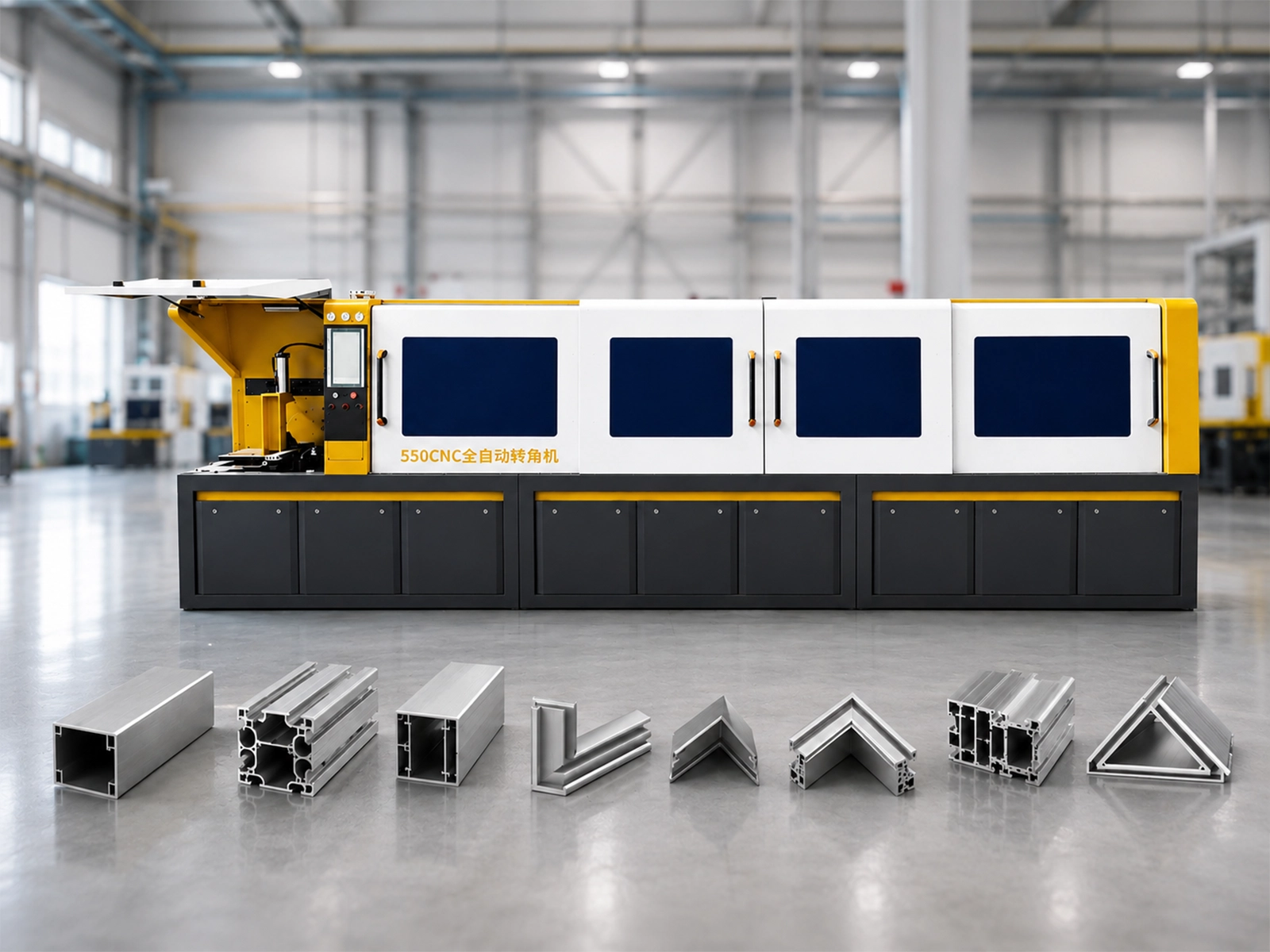
Existing equipment reference video
Reference only, not verification of blade dimensions, product compatibility or a customer cutting trial.
Open the reference video on YouTube
Ask JiurunCut about your aluminum saw blade dimensions
Send the available machine or quotation reference, blade item code and document rows. Mark unclear labels, conflicting entries and planned changes; add your material, section and cutting task as context. Missing information need not delay an initial inquiry.
Clarify My Blade Specification Fields
Request the responsible source owner’s clarification. Matching terms and values does not approve blade installation or use.