
Vibration RMS vs peak compares different amplitude statistics. Read the statistic beside the unit, then ask whether a peak entry was measured or calculated. A conversion stated for a sine wave should remain attached to that waveform condition.
For an aluminum cutting equipment file, keep vibration evidence with the instrument and observation it describes. Define the required report before treating two numbers as competing performance claims.
A quick route through the report
- Find the amplitude statistic.
- Read the measured quantity and unit.
- Identify the calculation or measurement basis.
Choose the question you need to resolve
1. Read vibration RMS vs peak with the statistic visible
The PCB 699B07 manual, section 2.7, explains RMS as the square root of the mean of squared amplitudes. It discusses peak and peak-to-peak separately.
Keep the amplitude label in a quotation. A column headed simply “vibration” leaves the reader without the defined statistic.
If a supplier shortens a heading, ask for its legend. Record the full label in your comparison sheet so an abbreviated screen entry does not become an unidentified purchasing requirement.
Use a complete result line
Write the report identifier, observed quantity, unit and statistic together. Add the instrument or measurement-system reference and the conditions identified by the issuer.
For example, a field containing millimetres per second also needs its amplitude statistic. Keep displacement, velocity and acceleration entries in individually named fields; do not remove those quantity labels while collecting a table of numbers.
If a unit was converted for the purchasing summary, preserve the original entry and name the conversion. Ask the technical reviewer to confirm the summary instead of replacing the issued report.
The encoder jitter and SDE guide covers a different report question. Its stationary positional-noise discussion should not be renamed as a vibration test of the complete cutting machine.
2. Keep a sine-wave conversion with its condition
For the sinusoidal signal discussed in that PCB manual, peak equals RMS multiplied by the square root of two; peak-to-peak equals twice peak.
Retain the sine-wave condition when using these relationships. Ask the report issuer what waveform and processing support a proposed conversion rather than applying it to every record called vibration.
An original arithmetic example
Imagine a purely sinusoidal velocity signal with 2 mm/s RMS. Under that stated assumption, the calculated peak is approximately 2.828 mm/s and the calculated peak-to-peak amplitude is approximately 5.657 mm/s.
These three entries describe one invented sine signal using different amplitude labels. They establish no machine reading, maintenance threshold or suitable operating condition.
| Statistic | Value in this example |
|---|---|
| RMS | 2 mm/s |
| Calculated peak | 2.828 mm/s |
| Calculated peak-to-peak | 5.657 mm/s |
Copy the example’s assumption with its numbers if you use it in a training note. It is a demonstration of the named calculation, not a substitute for a measurement record.
A purchasing comparison should also retain the rounding convention used in its summary. Keep the issued values accessible when a short table uses fewer decimal places.
Resolve an unsupported conversion
If an offered report supplies RMS and someone adds an unlabeled peak column, ask who calculated that column and on what basis. Keep it pending until the explanation is available.
Identify which entry the actual requirement calls for. Do not close a missing measured-peak request merely because another statistic can be multiplied by a familiar number.

3. Identify calculated peak and measured peak
The PCB manual explicitly says that the 699B07 estimates peak mathematically from RMS rather than measuring true peak. This identifies the reporting behavior of that instrument in the cited discussion.
For the actual equipment in your file, ask the issuer to identify its amplitude method. Retain a calculated entry as calculated and a measured entry with its measurement reference.
A report amendment should answer the missing question
Suppose a fictional file V24 contains a table headed “peak” and an attachment headed “RMS.” The reviewer asks the provider to explain whether the table came from a measurement or a calculation.
The provider should identify the relevant report entry and basis. Keep the clarification with V24 rather than silently changing either original heading.
V24 is an invented documentation example. It reports no real supplier incident, vibration level or machine fault.
Please identify the amplitude statistic, physical quantity and unit for each entry. State whether peak was measured or calculated, and retain the method, waveform basis and report reference behind the result.
Build a comparison that another reader can follow
Give each observation an identifiable row. Retain the equipment identity, observation location and operating description supplied with it. Ask about omitted conditions before declaring that two records describe the same observation.
If a maintenance provider proposes a trend comparison, request the basis used for that comparison. Keep the relevant acquisition and processing information with the records, as defined by the responsible measurement procedure.
Use clearly marked statuses: supplied, clarification requested or outside the quoted scope. Assign each unanswered field to the report issuer or responsible reviewer.
The calibration-service scope guide addresses the separate service-order review. Instrument service documentation and an observation report should each retain their own identity.
A number in a supplier brochure also needs its own label. Keep an illustrative calculation, an issued measurement and an agreed requirement distinguishable in the same file.
Keep the cutting inquiry focused
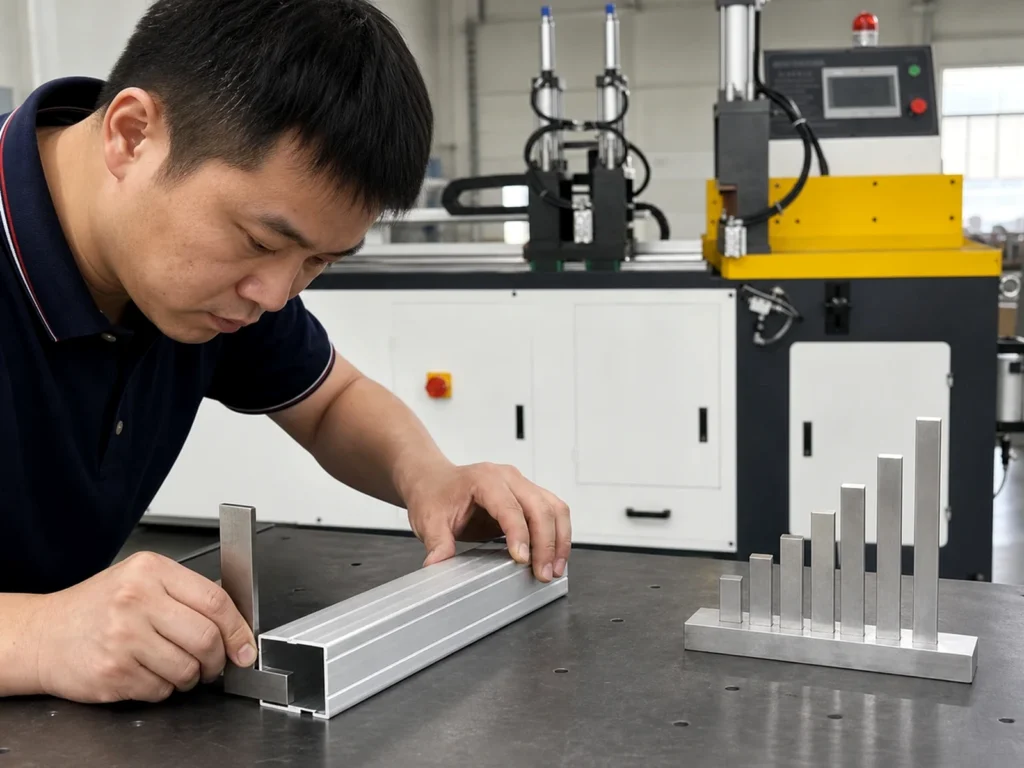
Send JiurunCut the aluminum profile drawing, cut list and equipment-review brief. Identify any vibration reporting requirement and the evidence you expect the proposal to address.
Keep the finished-part dimensional review identifiable alongside that equipment discussion. A statistic comparison does not create an unreported cut-length result or diagnose a machine condition.
Can I compare a bare RMS number with a bare peak number?
Retain their quantity, unit and reporting basis before treating them as comparable entries.
Does every peak entry mean a measured maximum?
Ask the issuer to identify whether it was measured or calculated.
Does the example define an acceptable vibration level?
No. It demonstrates a conditional sine calculation and contains no acceptance limit.